Zepsell for AI apps
Your store, in the AI app you already use.
Connect Zepsell to Claude, ChatGPT or any app that supports MCP. Ask about sales and orders in your own words, and let it handle the routine updates you approve.
Setup
One address. Sign in. Done.
Add Zepsell to your app with this address. You sign in with your usual Zepsell email link or passkey, and choose which stores it can reach.
https://zepsell.com/mcpClaude (web, desktop and mobile)
- Open Settings, then Connectors.
- Click Add custom connector. Name it Zepsell and paste the address.
- Click Connect, sign in to Zepsell and pick your stores.
- In a chat, turn Zepsell on from the tools menu and ask away.
ChatGPT
- Open Settings, then Apps & Connectors.
- Create a connector (under Advanced settings you may need to turn on developer mode first).
- Paste the address and choose OAuth for authentication.
- Sign in to Zepsell when asked and pick your stores.
Claude Code
- Run
claude mcp add --transport http zepsell https://zepsell.com/mcp. - Type
/mcpin Claude Code, pick zepsell and sign in.
Cursor, VS Code and other MCP apps
- Add a remote (HTTP) MCP server with the address, for example
{ "mcpServers": { "zepsell": { "url": "https://zepsell.com/mcp" } } }. - The app opens Zepsell to sign in. No API key is needed.
Menu names in AI apps change from time to time. If a step looks different, look for “connectors”, “MCP” or “custom tools” in the app's settings.
What you can ask
Questions in, work done.
Sales and visitors
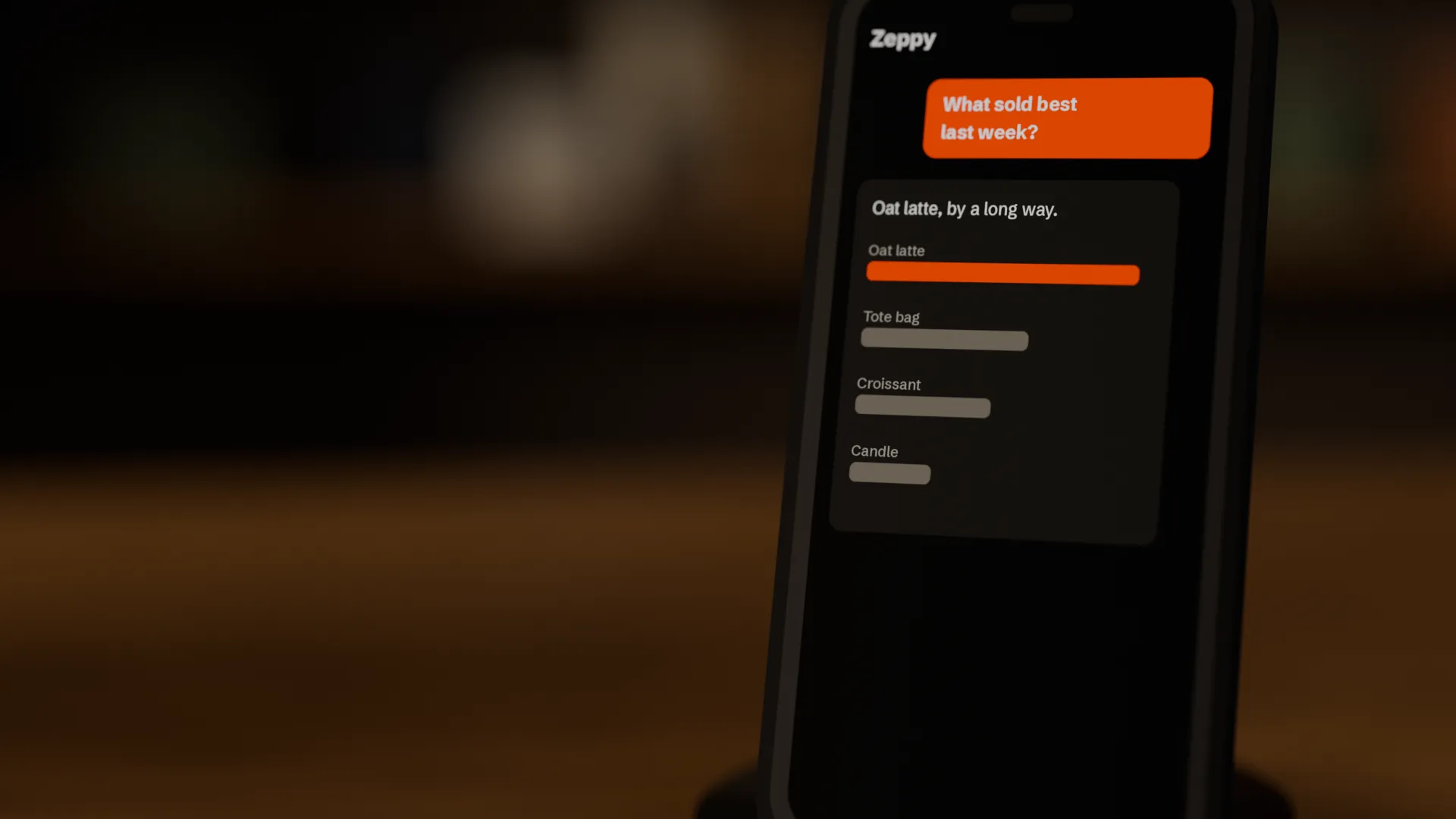
Revenue by day, week or month, best sellers, conversion rate, traffic sources and the searches that found nothing.
Orders and customers
Find any order by number or email, see what's still to send, check returns and look up customers.
Send orders
Mark an order sent with its tracking number, and the customer gets the shipping email.
Products and stock
Add products as drafts, tidy up titles and descriptions, file them in your categories and collections, set stock, and publish when you say so.
Discount codes
Make a percentage or fixed amount code, set a limit, and turn codes on or off.
Many stores
Connect several stores at once and ask about them side by side.
“How did sales this month compare with last month?”
“Which orders are still waiting to be sent?”
“Mark order 1043 as sent with Royal Mail tracking AB123456789GB.”
“Which products are running low on stock?”
“Add a draft product: Linen tote bag, £18, 25 in stock, with a short description.”
“Make a code WELCOME10 for 10% off, limited to 100 uses.”
“Where did my visitors come from last week, and what did they search for and not find?”
In your control
It drafts. You decide.
You choose what it reaches
Pick the stores, and whether the app can only look or can also make changes. You can disconnect it at any time from Account in your dashboard.
Drafts first
New products start as drafts. Prices can only be changed on drafts, so a live price only changes when you change it.
Every change listed
Each change an app makes is listed under Account, with the app, the store and the time.
Some things stay with you
Refunds, deleting anything, payments, shipping rates, apps and store settings can't be done through an AI app.
The app you connect sees the store data it fetches to answer you, under that app's own terms. Sign-in tokens last an hour and renew while the connection is in use. Zepsell never sees your conversations, only the requests the app sends.
For developers
The tools.
A remote MCP server over Streamable HTTP with OAuth 2.1: dynamic client registration, PKCE (S256), refresh token rotation, and metadata at /.well-known/oauth-protected-resource. Scopes are read and write.
list_storesReadsThe Zepsell stores this connection can reach: id, name, address slug, web address, currency, whether it's live, and whether this connection may make changes. Call this first when more than one store might be meant.
sales_summaryReadsOrders and revenue over a period, totalled per day, week or month (cancelled orders left out), with the average order value. Use for any question about sales, revenue or trends.
best_sellersReadsProducts ranked by units sold or revenue over a period (cancelled orders left out).
visitor_statsReadsVisits to the storefront for the last 7, 30 or 90 days: visitors, visits, page views, conversion rate, bounce rate, top pages, traffic sources, campaigns, countries, devices, most viewed products and searches with no results.
list_ordersReadsRecent orders, newest first: number, date, customer email, total, payment and fulfilment status. Filter by date, by text (email, name or order number) or to orders still waiting to be sent.
get_orderReadsOne order in full: items, quantities still to send, totals, customer email, shipping address, shipping method, payment and fulfilment status, and tracking numbers.
list_productsReadsProducts with their variants: id, title, handle, status (published or draft), whether it has a photo, and each variant's SKU, price in the store currency and units in stock (null = stock not tracked). Search by text or filter by status.
get_productReadsOne product in full: description, options, variants with prices and stock, photos, tags, categories and collection, and its page on the storefront.
low_stockReadsVariants that track stock and have this many units or fewer left (default 5), lowest first, from the newest 500 products.
list_customersReadsCustomers, newest first: email, name, phone, company, whether they made an account, and when they first appeared. Search by email or name.
list_discount_codesReadsDiscount codes: id, code, amount, whether it's on, uses and limit.
list_categoriesReadsThe store's categories (with their parent), collections and most used tags, for filing products.
list_returnsReadsReturns, newest first: the order number, status (requested, received, cancelled…), items with reasons and the refund amount.
list_shipping_optionsReadsThe delivery and collection options shoppers can pick at checkout, with their prices and the zone each covers. Changing them is done in the store admin.
create_draft_productChangesAdds a product as a DRAFT: it isn't on the storefront until it's published (publish_product, or the merchant in the dashboard). Give a title and a price, or options (e.g. Size: S, M, L) with one variant per combination. Prices are in the store's currency in normal units (12.5 = 12.50). Photos are added in the dashboard.
update_productChangesChanges a product's title, subtitle, description, handle, categories, collection or tags. Doesn't change prices, stock or whether it's published (use set_price, set_stock, publish_product).
publish_productChangesPuts a product on the storefront (published), or takes it off again (draft). Only do this when the merchant has asked.
set_priceChangesSets a variant's price in the store's currency (normal units: 12.5 = 12.50). Only for DRAFT products: a live product's price is changed by the merchant in the dashboard.
set_stockChangesSets how many units of a variant are in stock (the new total, not a change), and starts tracking stock if it wasn't.
mark_order_sentChangesMarks an order as sent: fulfils everything still to send and records it as shipped, with an optional tracking number and link. By default the customer gets the shipping email. Only for orders the merchant says have gone out.
create_discount_codeChangesMakes a discount code for the whole order: a percentage or a fixed amount off in the store's currency, with an optional limit on uses. It works at checkout as soon as it's made unless turned_on is false.
set_discount_codeChangesTurns a discount code on or off.
Shoppers' AI assistants are separate: each store publishes its catalogue and checkout for AI shopping agents at /ucp/mcp on the store's own address.
Bring your store into the chat.
Included with every Zepsell store.